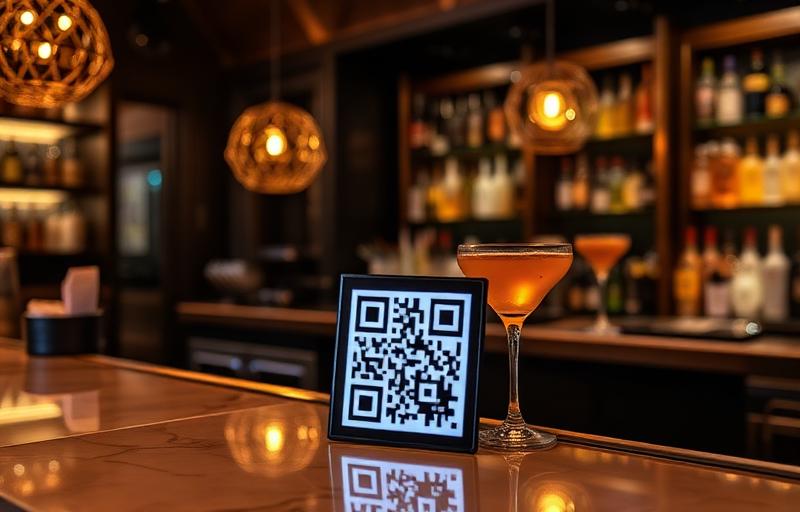
Why bars and taprooms use MenuMagicQR
Built for menus that change every week — sometimes every night.
Rotating taps stay current
Kicked a keg? Swap the line in seconds and every printed QR code shows the new pour instantly.
Live in 2 minutes
Upload your drinks list, pick a colour, and your branded QR code is ready for the bar top.
No reprints for specials
Happy hour, cocktail features and seasonal lists update digitally — printing costs stay at zero.
See when guests scan
Track scans by day and hour so you know which nights and promos actually pull people in.
Match your taproom look
Colour your QR code to fit dark wood, neon or minimalist branding instead of generic black squares.
Built for drinks menus
Taprooms, cocktail bars, pubs, breweries and wine bars — long lists and tasting notes read cleanly on a phone.
3 steps to a QR drinks menu
Upload your drinks menu
Add a photo, PDF or link to your existing tap list, cocktail menu or wine card.
Brand your QR code
Pick colours that match your bar's signage, coasters and table talkers.
Print and place it
Download PNG, SVG or PDF and put it on tables, the bar top, coasters or the taproom window.
A QR drinks menu that works in low light
Bars are darker and busier than most venues, so a few details help guests scan first time.
Choose strong contrast
Dark codes on a light background scan most reliably in dim light. If your branding is dark, put the code on a light panel rather than inverting it.
Use coasters and table talkers
Codes printed on coasters or small stands stay within reach on every table and along the bar top. Matte printing avoids glare from overhead lights.
Make the list easy to read on a phone
Group taps, cocktails and wine into clear sections and use a generous font size in the file you upload, so guests are not zooming in under dim lights.
Update when a keg kicks
Upload the new list as soon as a tap changes. Guests always see what is actually pouring, and staff field fewer questions about sold-out beers.
Bar QR menu FAQ
Is the bar QR code menu generator free?
Yes — free forever. No signup, no credit card and no limit on how often you update your drinks list.
Can I update my tap list without reprinting the QR code?
Yes. Upload a new list and every QR code already on your tables shows the new pours immediately.
Does it work for cocktail and wine menus too?
It does. Any drinks menu — cocktails, wine, spirits or rotating taps — works the same way.
Do guests need an app to scan it?
No. Any modern phone camera opens the menu straight from the QR code.