Why couples and planners use MenuMagicQR
Menus change, printers get busy and budgets are tight — a QR code solves all three.
Match your wedding colours
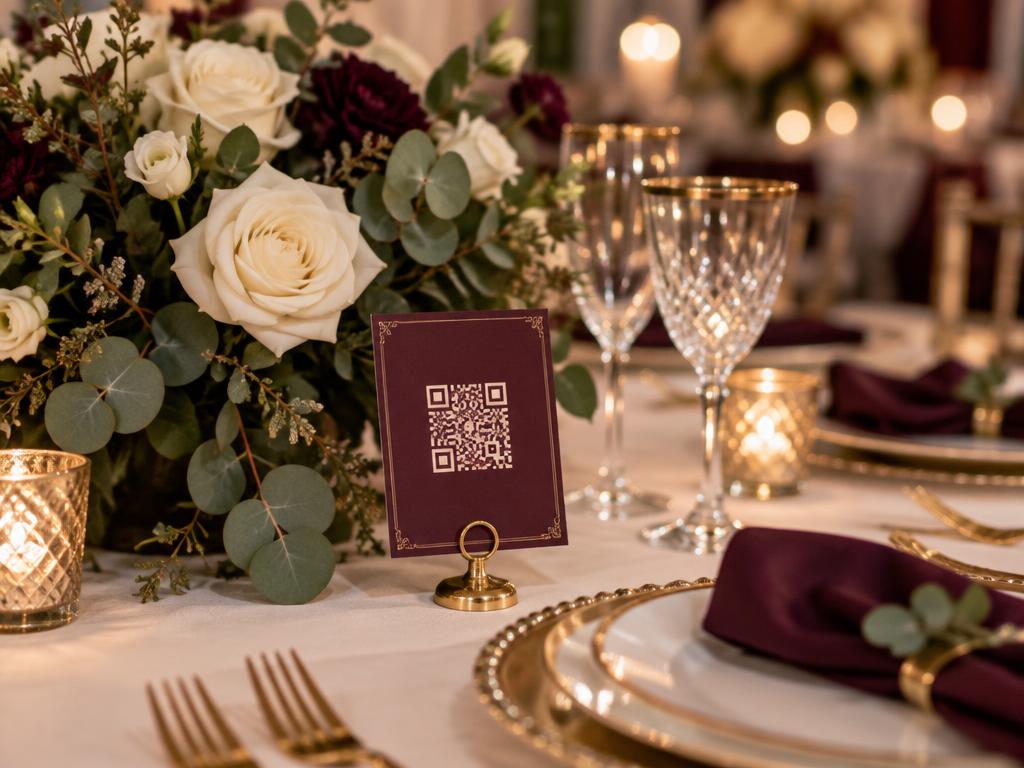
Tint the QR code to your palette — dusty rose, sage, burgundy or gold — so it blends into place cards, programs and signage instead of clashing.
Host your designed menu card
Already worked with a stationer? Upload the finished menu card as an image or PDF and the QR code displays exactly the design your guests will love.
Last-minute changes, zero reprint cost
Swap the dessert, fix a typo or change the bar list the night before — every printed code shows the new menu instantly.
Ready in 2 minutes
No signup, no credit card. Upload your menu, pick a colour, download the code and send it to your stationer or printer.
One code for every touchpoint
Print it on table cards, save-the-dates, welcome bags and the bar sign — all point to the same always-current menu.
Free for one-off events
Planning a single wedding or event? The whole tool is free forever — perfect for planners who don't need a subscription.
3 steps to a QR wedding menu
Upload your wedding menu
Add a photo, PDF or link to your menu card — a designed card from your stationer works perfectly.
Pick your wedding colour
Choose a QR code colour that matches your theme, from soft pastels to deep jewel tones.
Print it anywhere
Download a high-resolution PNG, SVG or PDF and hand it to your stationer for table cards, programs and signage.
What to include on your wedding menu
A good digital wedding menu answers guests' questions before they need to ask.
Every course, in order
List canapés, entrée, main, dessert and late-night food in the order they are served, so guests know what is coming and can pace themselves.
Dietary markings
Mark vegetarian, vegan and gluten-free options clearly, and confirm the details with your caterer before you upload the final menu.
The drinks list
Include signature cocktails, wines and non-alcoholic options. It is the part of the menu guests check most often during the night.
Test a printed proof first
Before printing all your place cards, scan a proof copy with a couple of different phones to make sure the code is a comfortable size and opens the right menu.
Wedding QR menu FAQ
Is the wedding QR code menu free?
Yes — free forever, with no signup and no credit card. It's built for one-off events, so there's nothing to subscribe to.
Can we use our stationer's designed menu card?
Yes. Upload the finished card as an image or PDF and the QR code shows your exact design to every guest who scans.
Can the QR code match our wedding colours?
Yes — pick any colour so the code blends into place cards, programs and table signage.
Can we change the menu after printing the place cards?
Yes. Update the menu online and every already-printed QR code shows the new version instantly — no reprinting.
Do guests need to download an app?
No. Any modern phone camera opens the menu straight from the QR code.