Why restaurants choose MenuMagicQR
Everything you need to digitise your menu — zero cost, zero hassle.
Set up in 2 minutes
Upload your menu, pick a colour, and your branded QR code is ready to print.
Save on printing costs
Update your menu digitally anytime — no reprints needed for seasonal changes or new dishes.
Track menu engagement
See how many guests scan your QR code, which days are busiest, and where scans come from.
Match your brand
Customise QR code colours to fit your restaurant's look and feel. No generic black-and-white codes.
Instant menu updates
Sold out of a dish? New special? Update your menu in seconds and every QR code reflects the change live.
Works for any cuisine
Fine dining, casual, fast-casual, street food — our QR menus work for every restaurant type.
3 steps to a QR menu for your restaurant
Upload your restaurant menu
Upload a photo, PDF, or paste a link to your existing online menu.
Customise your QR code
Choose brand colours and styling that match your restaurant's identity.
Print and display
Download in PNG, SVG, or PDF and place on tables, windows, or receipts.
Where to put QR codes in your restaurant
Where the code sits makes a real difference to how many guests scan it. These placements work well for most restaurants.
Table tents at eye level
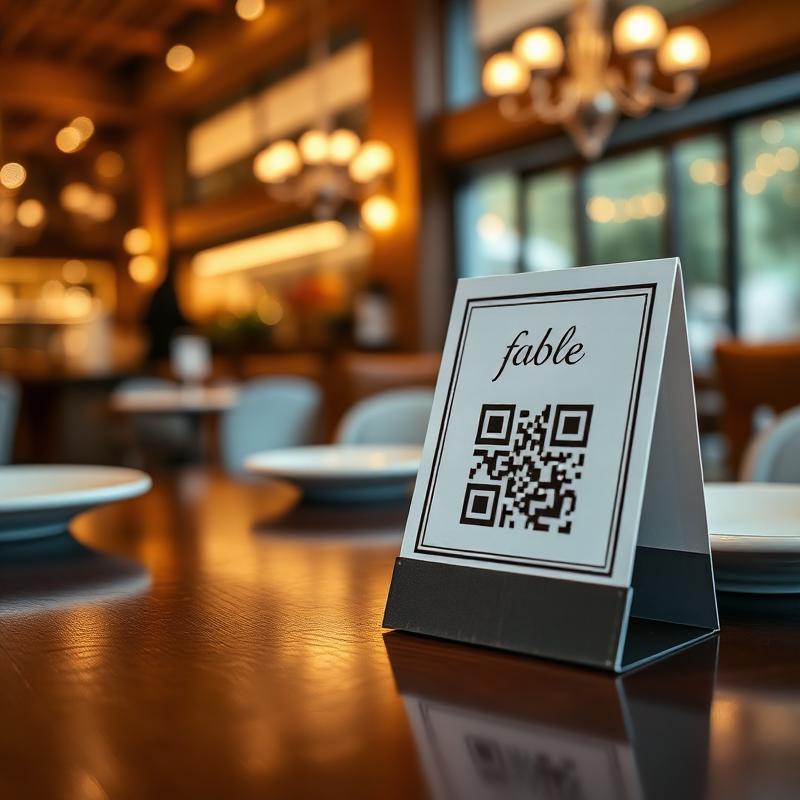
A small stand in the middle of each table is the first thing seated guests see. Make the code at least 3–4 cm wide so it scans easily from any seat.
The front window or entrance
A larger code on the window lets passers-by check your menu before they walk in. As a rule of thumb, allow about 1 cm of code for every 10 cm of scanning distance.
Takeaway bags and receipts
Customers who take a menu home are more likely to order again. A small code on bags and receipts keeps your menu one scan away.
Keep a few printed menus too
Some guests prefer paper or have a flat phone battery. A QR menu works best as the fast default, with a couple of printed copies on hand.
Restaurant QR menu FAQ
Is the restaurant QR menu generator really free?
Yes — 100% free, forever. No signup, no credit card, no hidden fees.
Can I update my restaurant menu after printing the QR code?
Absolutely. Upload a new menu and every existing QR code updates automatically. No reprinting needed.
What file formats can I upload?
JPG, PNG, or PDF menus. You can also paste a link to your existing online menu.
Do my customers need an app to scan the QR code?
No — any modern smartphone camera can scan QR codes natively. No app download required.