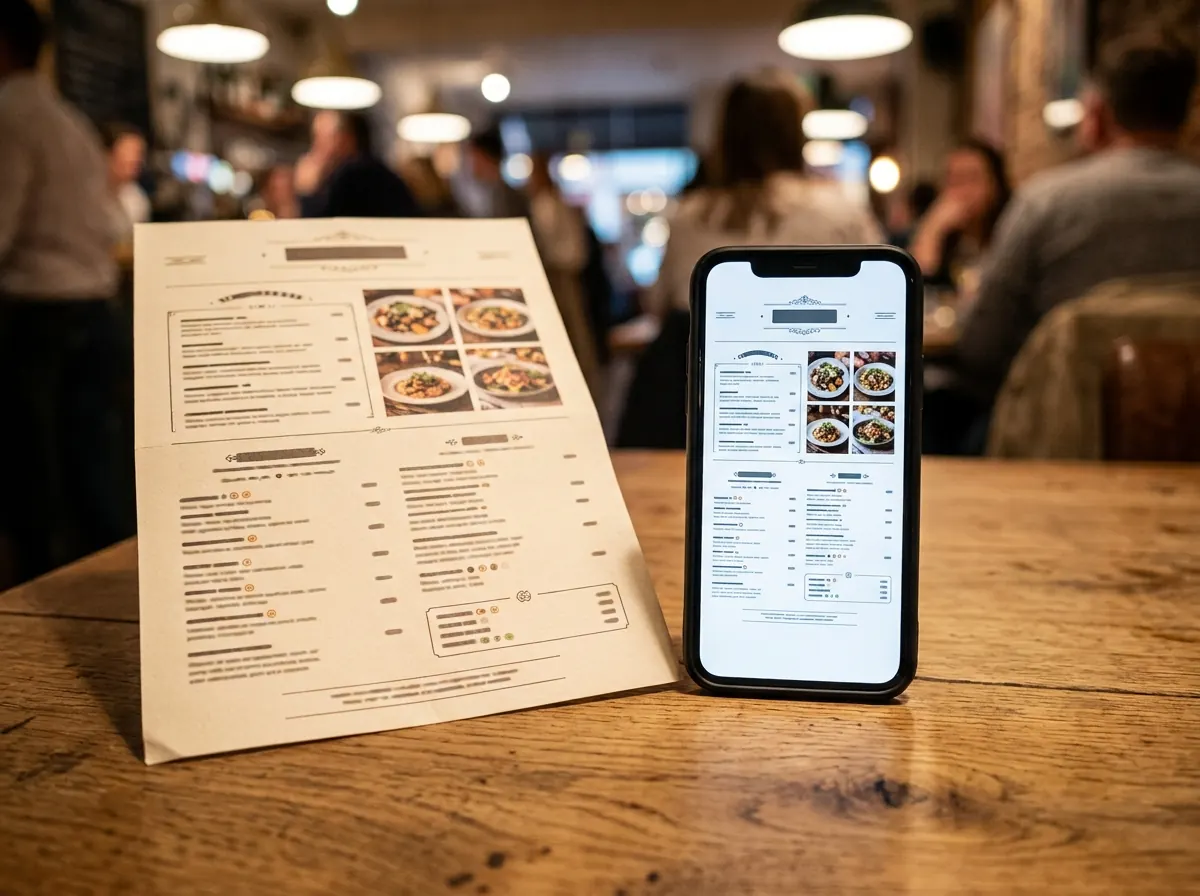
Why convert your PDF instead of rebuilding it
Your menu design stays exactly as it is — it just becomes scannable.
Keep the PDF you already have
No re-typing. Upload the menu file your designer made and it becomes a scannable link.
Swap the file, keep the code
Upload a new PDF whenever prices change — every printed QR code points at the new version.
Reads well on phones
Guests open your menu straight from the camera, no app and no pinch-to-zoom guesswork.
Print-ready downloads
Get your QR code as PNG, SVG or a print-ready PDF for tables, windows and takeaway bags.
See how often it's scanned
Track scans by day so you know whether the table tents are actually being used.
Free forever
No signup, no credit card, no per-scan fees — convert as many menu PDFs as you like.
Convert your PDF menu right here
The same three steps as our full generator — upload, brand, download.
- 1
Upload your menu PDF
- 2
Pick a colour and generate
- 3
Download and print
Step-by-step guide
Export your menu as a PDF
Save your menu from Canva, Word or your designer's file as a PDF. Keep it under 10MB.
Tip: Compress image-heavy menus so they open fast on mobile data.
Upload it above
Choose the file — we check it's a genuine PDF and host it securely.
Tip: Multi-page menus work fine; guests can scroll through every page.
Pick a colour and generate
Choose a dark colour that matches your brand, then hit Generate QR Code. Each code is tracked so you can see scans.
Tip: Dark codes on a light background scan most reliably.
Download, test and print
Download the PNG, scan it with your own phone, then print it for tables, counters and windows.
Tip: Print at least 2.5cm (1 inch) wide for easy scanning.
PDF menu QR code FAQ
How do I turn a PDF menu into a QR code?
Upload your PDF on the generator page, pick your colours, and download the QR code. Scanning it opens your menu PDF on any phone. It takes about two minutes.
Can I replace the PDF later without reprinting?
Yes. Upload a new file to the same menu and every QR code already printed will show the updated version instantly.
Is converting a PDF menu to a QR code free?
Yes — free forever, with no signup and no credit card required.
What size should my menu PDF be?
Anything up to a few megabytes works well. Smaller files open faster on mobile data, so compress image-heavy menus if you can.
Do guests need an app?
No. Any modern phone camera opens the menu directly from the QR code.