QR Code Menus in Australia: A Practical Guide for Cafés
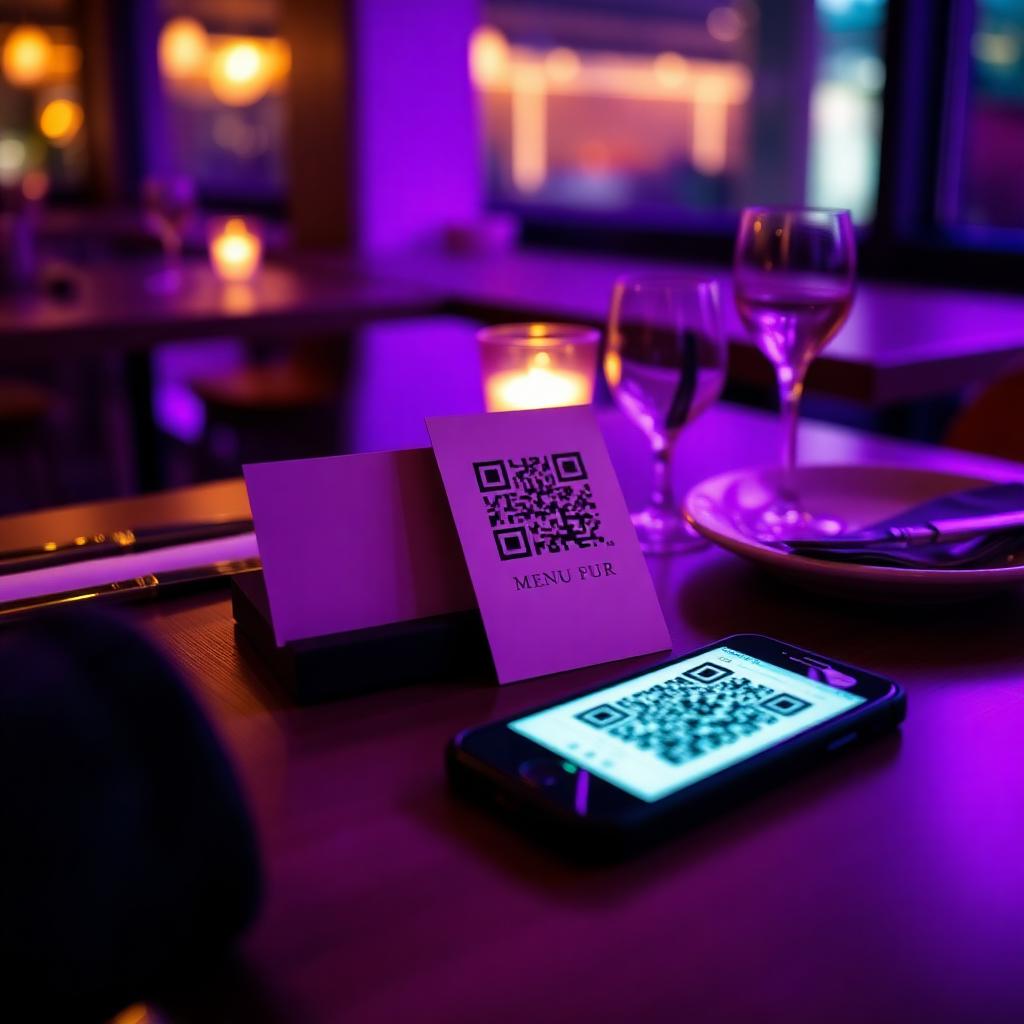
QR code menus have become a normal part of eating out in Australia. Guests scan a code on the table or counter, the menu opens in their phone's browser, and the café never has to reprint a menu when a price changes.
This guide covers what Australian café and restaurant owners actually need to know: what to put on the menu, where to place the codes, how to handle GST and surcharges, and how to set it all up for free.
Why Australian cafés use QR menus
- Prices change often — milk, coffee beans and produce costs move, and a QR menu updates in seconds instead of a reprint
- Order-at-the-counter cafés can put a code at the counter and on each table so guests browse while they queue or wait
- Tourists can translate the menu on their own phone, which helps in cities and holiday towns
- Weekend and public holiday surcharges can be shown clearly on the menu itself
- One link works everywhere: tables, the front window, Instagram and your Google Business Profile
What to put on an Australian QR menu
A QR menu follows the same rules as a printed one. The basics that matter most in Australia:
- Show the total price in Australian dollars, including GST — prices shown to consumers must be the full price
- If you charge a weekend or public holiday surcharge, state it clearly on the menu (see our surcharge guide below)
- Mark dietary options such as vegan, vegetarian and gluten-free, and tell guests to ask staff about allergens
- Keep item names and descriptions short so they read well on a phone screen
- Add your trading hours and whether guests order at the counter or at the table
Where to put the QR codes
- Table tents or stickers on every table, printed about 4 cm wide for scanning from 30–50 cm
- A larger code at the counter or register for order-at-the-counter cafés
- A window sign so people walking past can check the menu before they come in
- Takeaway bags and receipts so guests can find you again
Not sure how big to print? Use the free size calculator: a good rule of thumb is that the code should be about one tenth of the scanning distance wide.
Related resources
QR code menus for Australian cafésQR code size calculatorFree A4 table tent templatesSet it up in about 15 minutes
- 1. Upload your current menu as a PDF or photo, or build it item by item in the free editor
- 2. Pick your brand colour and download the QR code as PNG, SVG or a print-ready PDF
- 3. Print it on the free A4 table tent templates and place one on every table
- 4. Add the menu link to your Google Business Profile and Instagram bio
- 5. Check the scan stats after a week to see when guests are looking at your menu
Free download
Get the QR Menu Template Pack
6 print-ready A4 templates — table tents, counter cards, window signs, takeaway stickers, receipt inserts and a social square. Free forever, no watermark, share with anyone.
We'll send occasional product updates. Unsubscribe anytime. No spam.
Keep the printed code, change the menu
The biggest advantage for Australian cafés is that the printed code never changes. When a price goes up, a dish sells out or the specials board changes, you edit the menu online and every code on every table shows the new version straight away — no reprinting, no stickers over old prices.