What Is a QR Menu? The Complete Guide for Restaurant Owners
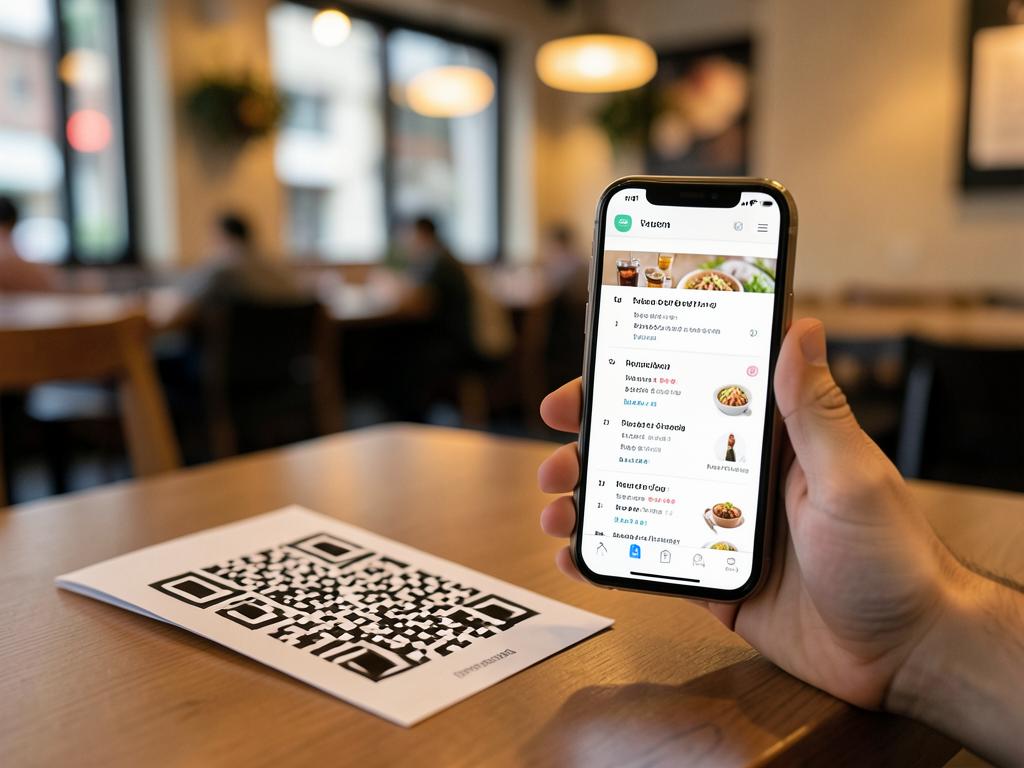
A QR menu is a restaurant menu that customers open by scanning a QR code with their phone camera. The code — usually printed on a table tent, sticker, or window decal — opens the menu in the phone's browser. There's no app to download, no physical menu to handle, and no waiting for a server to bring one.
If you've wondered whether your venue needs one, how it actually works behind the scenes, or what it costs, this guide answers all of it in plain English.
How a QR menu works, step by step
- 1. The customer points their phone camera at the QR code — every modern iPhone and Android does this natively
- 2. The phone opens a link to your menu in the browser
- 3. The customer browses dishes, prices, and photos at their own pace
- 4. When you edit the menu online, the same printed code shows the new version instantly
The key idea is that the printed code is just a shortcut to a web page. The menu itself lives online, which is what makes it so flexible.
Static vs dynamic QR menus
Not all QR menus are equal. A static QR code bakes the destination into the printed pattern — change the menu file and the code breaks. A dynamic QR code points to a stable link you control, so you can swap prices, hide sold-out dishes, and add seasonal specials forever without reprinting anything. Always choose dynamic; it's the difference between a one-time print job and a recurring cost.
Related resources
Learn how to update a QR menu without reprinting →Why restaurants, cafés, and food trucks use them
- Zero reprinting — price changes and new dishes go live in seconds, not at the print shop
- Hygiene — no shared physical menus changing hands all day
- Speed — guests see the menu the moment they sit down
- Always accurate — 86'd items disappear from the menu the moment you hide them
- Analytics — see how many people scan, when, and from where
- Multilingual — serve the same menu in your customers' languages
What does a QR menu cost?
Anything from free to over $50 a month, depending on the platform. The features that actually matter — a dynamic code, your branding, print-ready downloads, and scan analytics — are available free. Paid tiers usually add multi-location management, in-app ordering, and team logins. MenuMagicQR is free forever: you can create a branded, dynamic QR menu without a credit card or even an account.
What about customers who can't or won't scan?
Keep a few printed menus on hand. A QR menu should be the fast default, not the only option — accessibility matters, and some guests simply prefer paper. Good QR menu etiquette means the code is an addition to great service, never a replacement for it.
How to set up a QR menu in 2 minutes
- 1. Open the free generator and upload a photo or PDF of your menu
- 2. Customise the QR code with your brand colours
- 3. Download the print-ready file and put it on your tables
That's genuinely it. Your menu is live at a branded link, and every future edit shows up behind the same code.