Built for how Aussie pubs work
From a city corner hotel to a country pub on the highway, one menu link for the bistro, bar and beer garden.
Specials that change daily
Parma night, steak night, Sunday roast or a new keg on tap: update the menu from your phone and every table shows it straight away.
Table numbers made simple
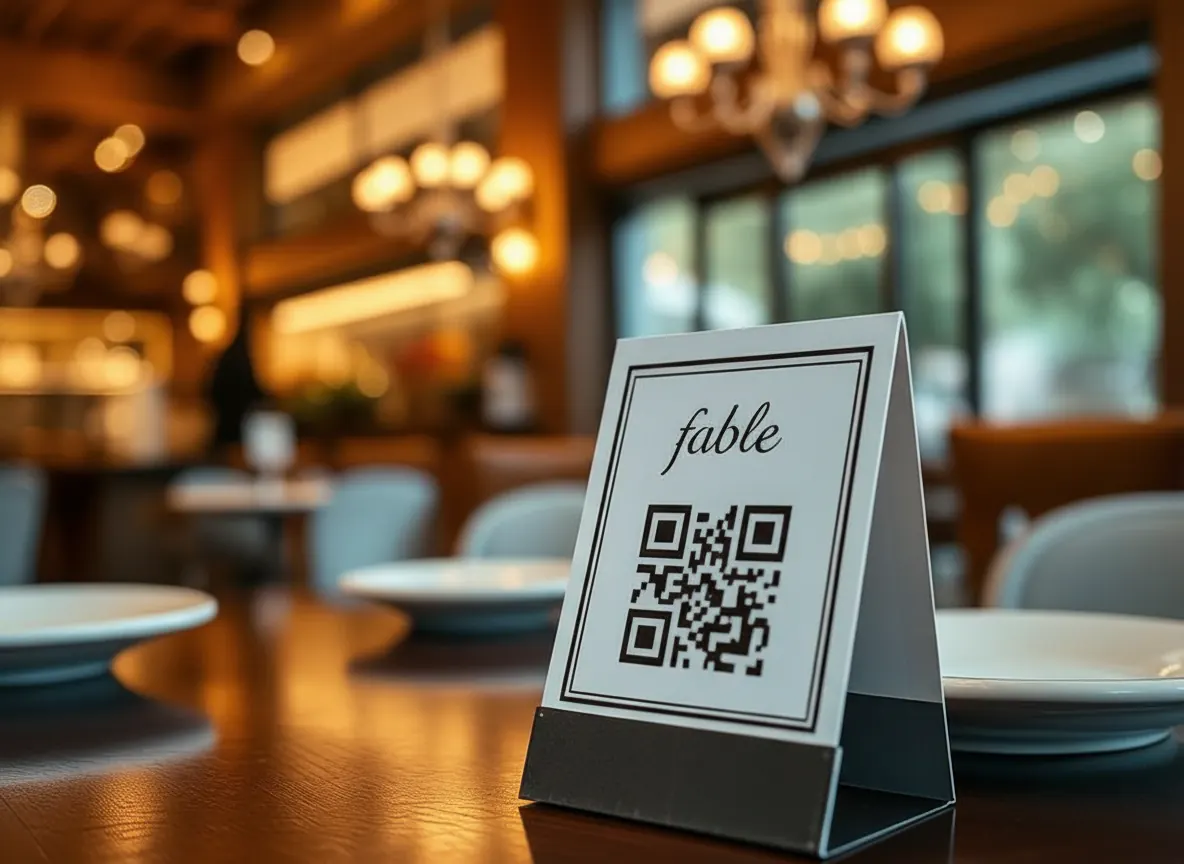
Print a code for every table with its number, so guests can browse the bistro menu, then order at the bar with the right table number.
Menus for visitors
Guests can read menus built in the editor in 16 languages, handy for tourist areas, country towns on the highway and big game days.
No subscription
Free for every venue: bistro, front bar, beer garden and function rooms. No monthly fee and no credit card.
Snap the blackboard
Take a photo of your printed menu or specials board and AI turns it into a digital menu with sections and AUD prices.
See which areas scan
Give the beer garden, bistro and front bar their own codes and see which area gets the most scans each week.
What to put on a pub QR menu
Bistro meals and weekly specials
Lead with this week's specials, then pub classics, mains, sides and desserts. Keep kitchen hours at the top so guests know when the bistro is open.
Tap list and drinks
List what's on tap, wines by the glass and cocktails. When a keg runs out, hide it in seconds instead of crossing it off a printed list.
Kids menu and function packages
Add a kids section for families and a separate menu for function rooms, so the right menu is on the right table.
How to order
Add one line like “Order and pay at the bar with your table number” so first-time guests know what to do. Print the table number next to each QR code.
Your pub menu in 3 steps
Add your menu
Upload a PDF or photo of your current menu, paste a link, or build it item by item with prices in AUD.
Brand your QR code
Pick your colours, add your logo and download a print-ready PNG, SVG or A4 PDF.
Put it on every table
Print it for tables, the counter, the front window and takeaway bags. Update the menu anytime; the code never changes.
Need a code for every table? Use batch QR codes to make and label them all at once, and check the QR code size calculator for signs in the beer garden.
Pub QR menus: FAQ
Is MenuMagicQR free for pubs and hotels?
Yes. Every feature is free for pubs, hotels, taverns and clubs, with no monthly fee, trial period or credit card.
Can I have separate menus for the bistro, bar and kids?
Yes. Build one menu with sections for mains, kids meals, desserts and drinks, or make separate menus and QR codes for the bistro, beer garden and function room.
How do I show weekly specials like parma night?
Add a Specials section at the top of your menu and change it whenever you like. The printed QR codes never change, so you never reprint for a new special.
Can guests order and pay through the QR code?
MenuMagicQR is a menu, not an ordering system. Guests browse on their phone and order at the bar or with staff as usual, which keeps it simple and free.
Can I show a public holiday surcharge?
Yes. Add a clear note at the top of your menu on the day, such as 'A 15% surcharge applies today', and remove it the next morning without reprinting anything.
Do guests need an app?
No. They point their phone camera at the QR code and the menu opens in the browser, on any recent iPhone or Android phone.