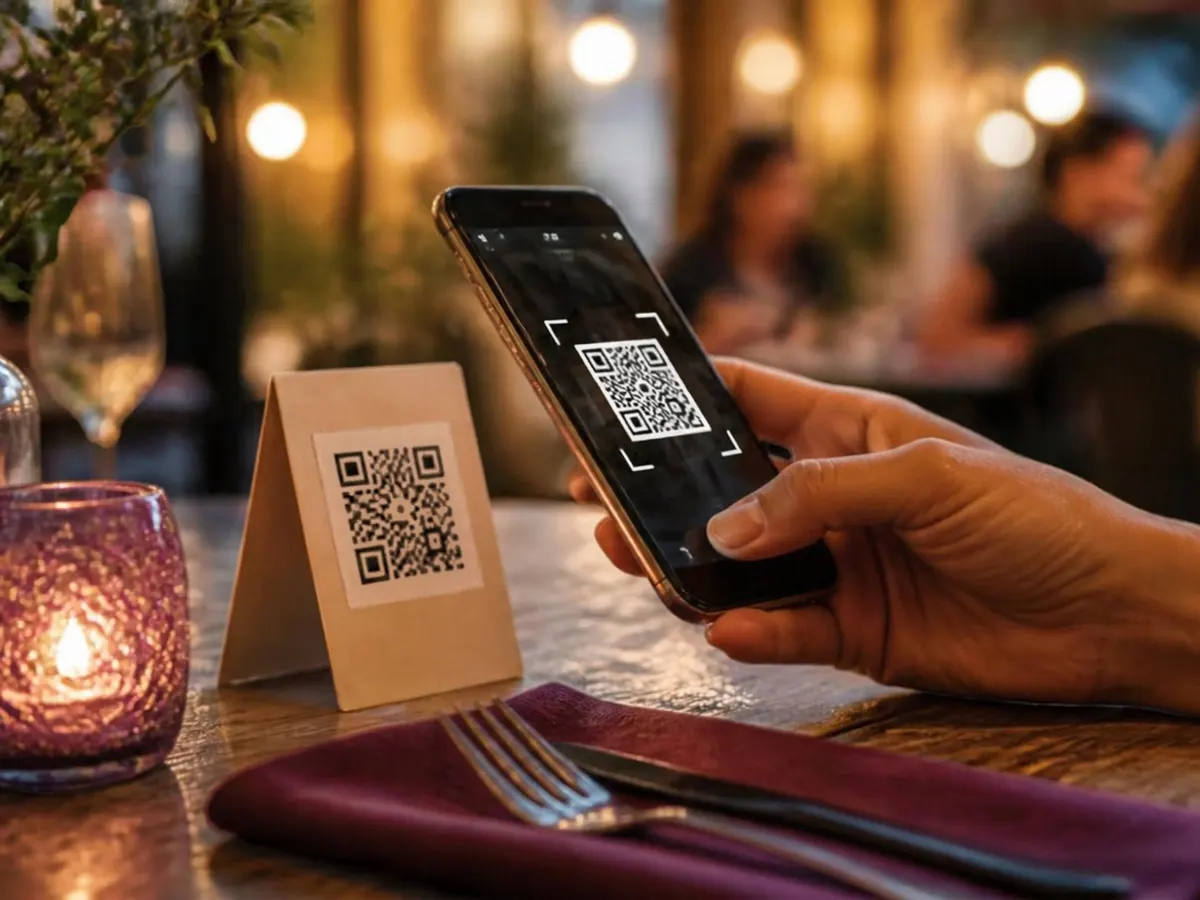
Why venues switch to contactless menus
Faster for guests, cheaper for you, and safer for everyone.
Scan, browse, done
Guests open your menu with their phone camera — no app download, no waiting for a physical menu.
Hygienic by default
No shared menus changing hands all day. Every guest browses on their own device.
Update in seconds
Price change? Sold-out special? Edit once and every printed QR code shows the new menu instantly.
See real scan analytics
Know how many guests view your menu, when they scan, and where they're from.
Print once, use forever
Download print-ready PNG, SVG, or PDF files. The dynamic code never needs a reprint.
Go contactless in 3 steps
Upload your menu
A photo, PDF, or link — whatever you already have works.
Brand your QR code
Match your colours and style with a live preview as you customise.
Place it on tables
Print table tents, stickers, or window decals. Guests scan and browse instantly.
Contactless menu FAQ
What is a contactless menu?
A contactless menu is a digital menu guests open on their own phone — usually by scanning a QR code — instead of handling a shared physical menu.
Do guests need to download an app?
No. The menu opens in the phone's browser straight from the camera. Nothing to install, no account needed.
Is a contactless menu free?
Yes. MenuMagicQR lets you create a branded contactless menu with a dynamic QR code free forever — no credit card, no signup.
What is a QR menu creator?
A QR menu creator is a tool that turns your existing menu — a photo, PDF, or link — into a mobile-friendly digital menu with a scannable QR code. MenuMagicQR is a free QR menu creator that takes about 2 minutes: upload, brand, print.
How do I create a QR code menu for my restaurant?
Upload your menu (photo, PDF, or link), customise the QR code colours to match your brand, then download a print-ready PNG, SVG, or PDF. Guests scan it and browse instantly. The QR code is dynamic, so you can update the menu anytime without reprinting.
Can I still keep paper menus for some guests?
Absolutely, and you should. A QR menu is the fast default; keeping a few printed copies ensures every guest is served comfortably.