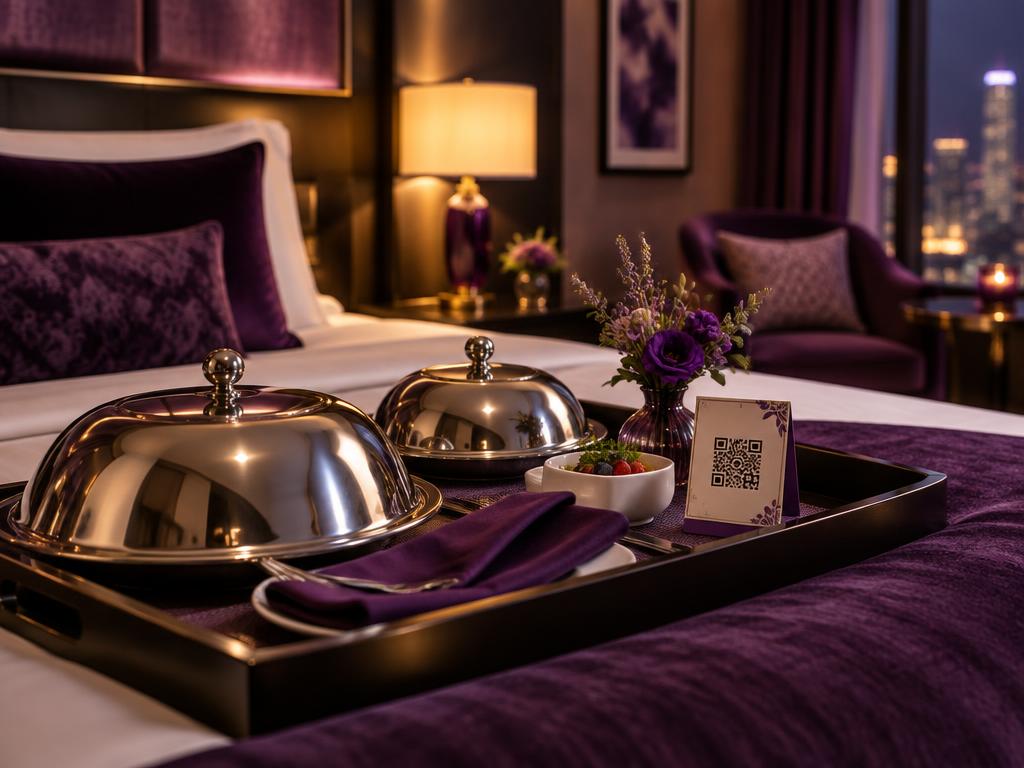
Why hotels switch to QR menus
One link per outlet, always up to date, in every room.
Update room service anytime
Change prices, hours or dishes once and every in-room card shows the new menu. No reprinting folders for every room.
Menus for international guests
Guests can read menus built in the editor in 16 languages, including Chinese, Japanese, Korean, Hindi and Arabic.
One code per outlet
Separate codes for room service, the restaurant, the lobby bar and the pool, each opening the right menu.
See what guests open
Scan counts for each menu show whether guests use the room service card or the restaurant menu more.
Snap your printed menus
Photograph an existing menu and AI turns it into a digital menu with sections and prices in minutes.
Free for every property
No monthly fee, no per-room pricing and no credit card, whether you run a boutique motel or a large hotel.
Menus you can put on QR codes
In-room dining
Room service hours, how to order and the full menu, on a small card by the bed or on the desk.
Restaurant and breakfast
Breakfast times, à la carte dinner and daily specials for the restaurant tables and the lift lobby.
Bar, pool and minibar
Cocktails at the lobby bar, snacks by the pool and minibar prices in the room, each with its own code.
Guest WiFi and reviews
Pair your menu card with a free WiFi QR code and a Google review QR code on the same in-room card.
Hotel QR menus in 3 steps
Add each menu
Upload a PDF or photo of your room service, restaurant and bar menus, or build them item by item.
Brand your QR codes
Add your hotel logo and colours, then download print-ready PNG, SVG or PDF files.
Place them in rooms and venues
Put a code on the room service card, bedside, restaurant tables and pool bar. Update menus anytime; the codes never change.
Need a code for every room or outlet? Use batch QR codes to make and label them all at once.
Hotel QR menus: FAQ
Is MenuMagicQR free for hotels?
Yes. Every feature is free for hotels, motels, serviced apartments and B&Bs, with no per-room fee, monthly subscription or credit card.
Can I make separate menus for room service, the restaurant and the bar?
Yes. Create a menu and QR code for each outlet, or one menu with sections. Each code opens the right menu, and you can update them separately.
Can guests order room service through the QR code?
MenuMagicQR shows the menu; it doesn't take orders or payments. Add a line like 'Dial 9 for room service' at the top so guests know how to order.
Where should I put QR codes in a hotel room?
On the room service card or tent on the desk, by the bedside phone and in the compendium. Print it at least 3 cm wide so it scans easily.
Do guests need to download an app?
No. Guests point their phone camera at the code and the menu opens in their browser on any recent iPhone or Android phone, using your hotel WiFi or mobile data.
Can I show breakfast and room service hours?
Yes. Add opening hours to the top of each menu or section, and change them anytime, for example for public holidays or seasonal hours.