Built for how bakeries work
Your range changes through the day. Your menu should too, without a new print run.
Today's bake, updated in seconds
Sourdough sold out by 11? Hide it from your phone and every printed QR code shows what's actually left on the shelf.
Change prices without reprinting
Flour, butter and egg prices move. Update a price once and the counter card, window sign and takeaway bags all stay current.
Snap your price board
Take a photo of your chalkboard or printed price list and AI turns it into a digital menu with sections and prices.
Menus visitors can read
Guests can read menus built in the editor in 16 languages, handy for tourist strips, markets and international students.
Browse before they walk in
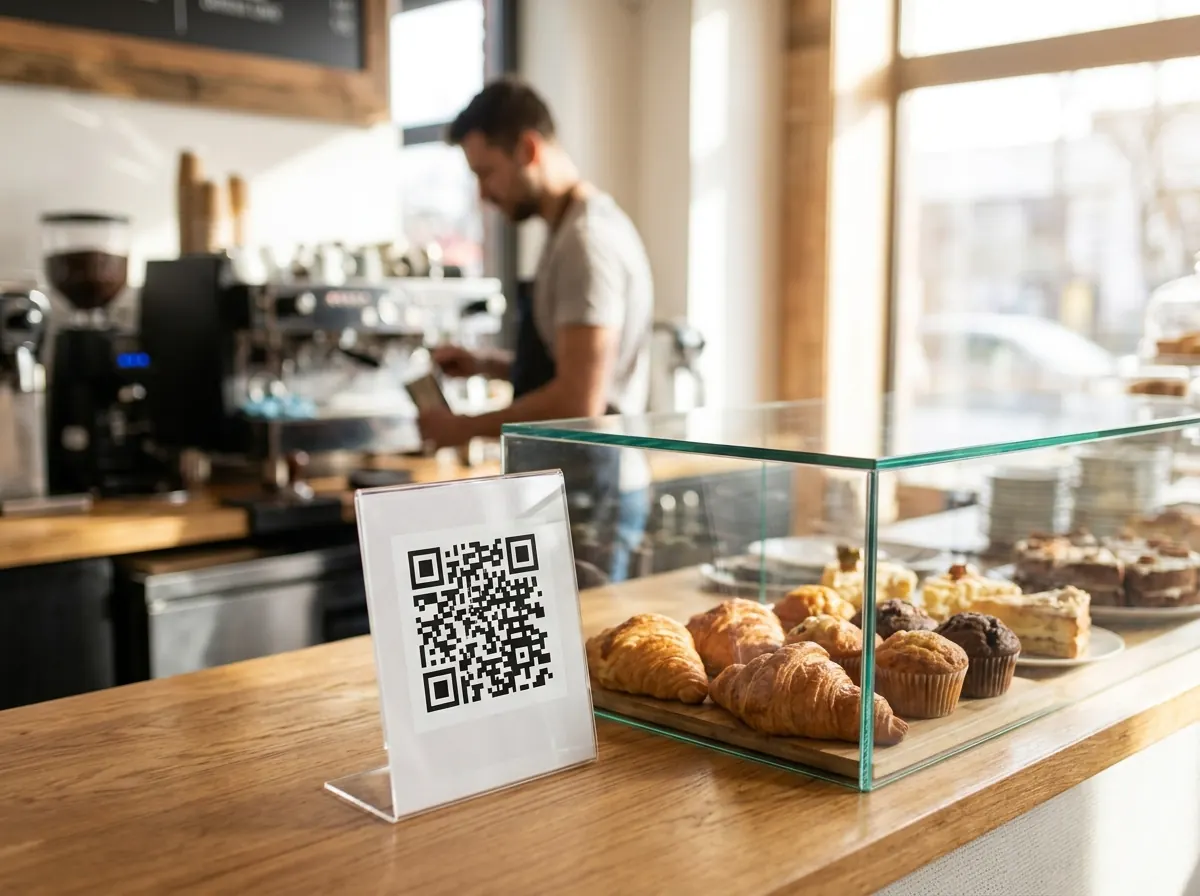
A QR code in the window and your menu link on Google Maps let people check what's in the cabinet before they come in.
See when people scan
Scan counts by day show whether the window code or the counter code gets more use, so you know where to put it.
What to put on a bakery QR menu
Breads and today's bake
List your loaves and rolls with prices, and mark which ones are baked daily and which days specialty breads are available.
Pastries, pies and sweets
Croissants, danishes, pies, sausage rolls, slices and cakes by the piece. A short description helps people choose while they wait in the queue.
Celebration cakes and catering
Sizes, flavours, starting prices and how much notice you need, plus your phone number so people know how to order.
Coffee and drinks
If you serve coffee, add a drinks section so customers can decide before they reach the counter.
Your bakery menu in 3 steps
Add your range
Upload a photo of your price board or a PDF, or build your menu item by item: breads, pastries, pies, cakes and coffee.
Brand your QR code
Pick your colours, add your logo and download a print-ready PNG, SVG or PDF for the counter and window.
Put it where people queue
Place it at the counter, in the window and on takeaway bags. Update the menu anytime; the printed code never changes.
Printing a sign for the window? Check the QR code size calculator and grab a free counter card template. Writing descriptions for new pastries? Try the AI menu description generator.
Bakery QR menus: FAQ
Is MenuMagicQR free for bakeries?
Yes. Every feature is free for bakeries, patisseries, cake shops and hot bread shops, with no monthly fee, trial period or credit card.
How do I show which items are sold out?
Edit your menu from your phone and hide or remove the item. Anyone who scans the QR code sees the change straight away, with no reprinting.
Can I list allergens and dietary options?
Yes. You can add dietary tags and a short note to each item. Always check allergen details with your bakers, because cross-contact with flour, nuts, dairy and eggs is common in a bakery.
Can I take cake and catering orders through the QR menu?
MenuMagicQR shows your menu; it doesn't take orders or payments. Add a line such as 'Call us to order celebration cakes' with your phone number at the top of the menu.
Where should a bakery put its QR code?
At the counter where people queue, in the front window so passers-by can browse, and on takeaway bags and boxes. Print it at least 3 cm wide on the counter and larger for the window.
Do customers need an app?
No. They point their phone camera at the QR code and the menu opens in the browser on any recent iPhone or Android phone.