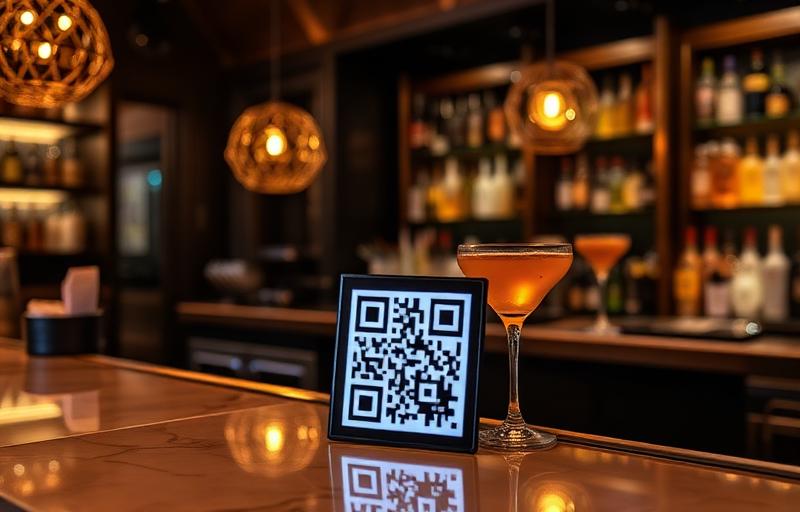
Built for how taprooms work
Kegs run out and new beers go on every week. Your menu should keep up, without a new print run.
Tap list that keeps up
When a keg kicks or a new release goes on, update the list from your phone and every printed QR code shows what's actually pouring.
Sizes, paddles and cans
Show prices for schooners, pints, tasting paddles and cans or growlers to take home, so drinkers know exactly what each option costs.
Beer notes visitors can read
Guests can read menus built in the editor in 16 languages, handy for tourists on brewery trails and international visitors.
Snap your tap board
Take a photo of your chalkboard or printed tap list and AI turns it into a digital menu with sections and prices.
Check the taps before visiting
Add the menu link to your Google listing and Instagram bio so beer fans can see what's on tap before they head over.
See where people scan
Give the bar, the tables and the beer garden their own codes and see which area gets the most scans each week.
What to put on a brewery QR menu
What's on tap
List each beer with its style, ABV, a one-line tasting note and prices by size. Put new releases and limited beers at the top.
Tasting paddles
Show which beers come in each paddle and the price, so first-time visitors can try the range.
Cans, bottles and growlers
Takeaway prices and what's in the fridge, so people can grab a four-pack on the way out.
Food, hours and how to order
Kitchen or food truck menu, opening hours and one line on how to order, such as at the bar with your table number.
Your brewery menu in 3 steps
Add your tap list
Upload a photo of your tap board or a PDF, or build your menu beer by beer with style, ABV, tasting notes and prices.
Brand your QR code
Pick your colours, add your brewery logo and download a print-ready PNG, SVG or PDF for the bar, tables and beer garden.
Put it on every table
Place it on tables, the bar and the takeaway fridge. Update the taps anytime; the printed code never changes.
Printing codes for tables and the beer garden? Check the QR code size calculator and grab a free table card template. Writing notes for a new beer? Try the AI menu description generator.
Brewery QR menus: FAQ
Is MenuMagicQR free for breweries and taprooms?
Yes. Every feature is free for breweries, taprooms, brewpubs and distilleries, with no monthly fee, trial period or credit card.
Can I show ABV, beer styles and different serving sizes?
Yes. Add each beer with its style, ABV and a short tasting note, and list prices for each size, tasting paddles and cans or growlers to take home.
How do I update the list when a keg runs out?
Edit the menu from your phone and hide or remove the beer. Anyone who scans the QR code sees what's currently pouring, with no reprinting.
Can customers order or pay through the QR code?
MenuMagicQR shows your menu; it doesn't take orders or payments. Add a line such as 'Order at the bar with your table number' at the top so first-time visitors know what to do.
Can I include food and food truck menus?
Yes. Add a food section, or a separate menu and QR code for a resident food truck. Mark dietary options and always check allergen details with the kitchen.
Do customers need an app?
No. They point their phone camera at the QR code and the menu opens in the browser on any recent iPhone or Android phone.