Free QR Code Menus for Wineries & Cellar Doors
Put your tasting flights, wines by the glass, bottle prices and platters on one QR code. Update vintages and prices from your phone, without reprinting the tasting sheet.
No signup · No credit card · Ready in 2 minutes
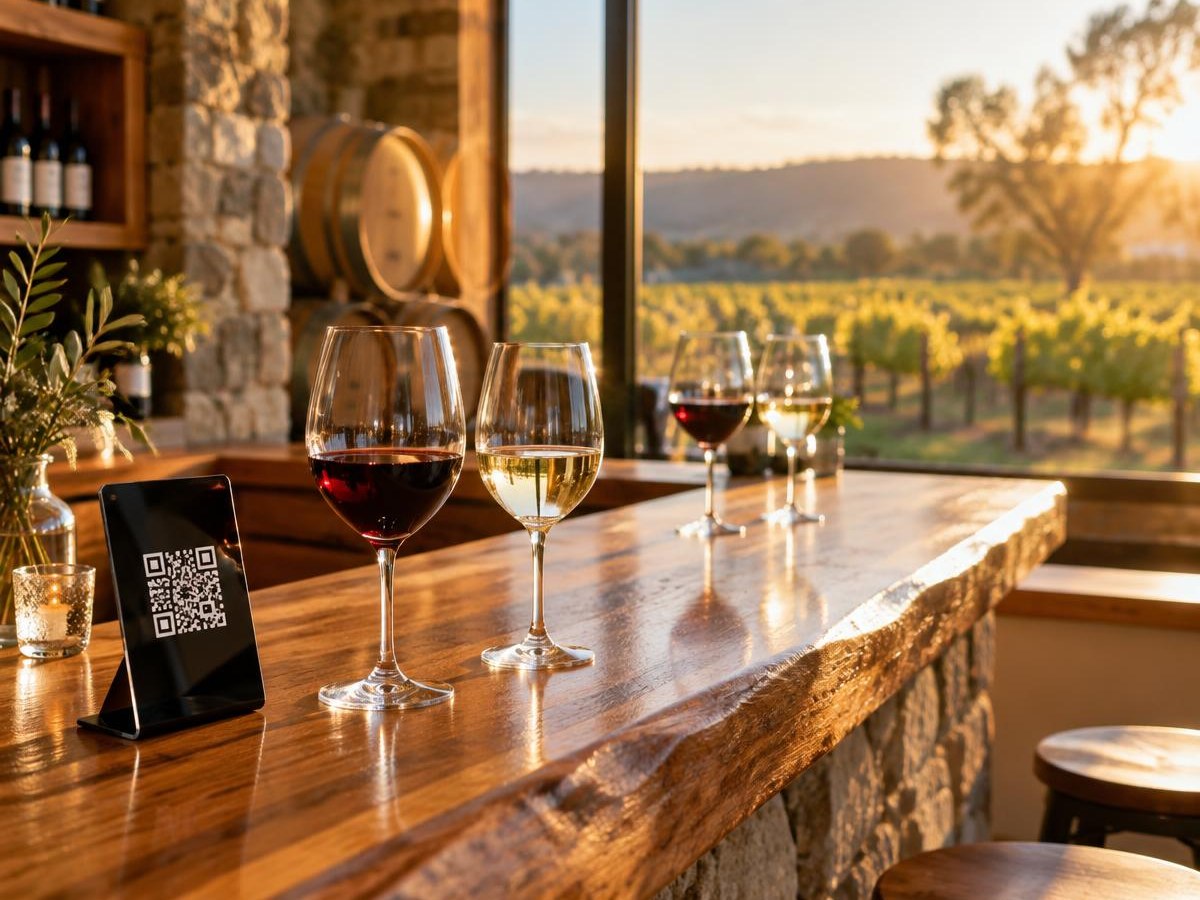
Built for how cellar doors work
Vintages sell out and new releases arrive. Your list should keep up, without a new print run.
New vintages without reprinting
When a vintage sells out or a new release lands, update the list from your phone and every printed QR code shows it straight away.
Glass, bottle and flight prices
Show prices by the glass, by the bottle and for tasting flights side by side, so visitors know exactly what each option costs.
Tasting notes visitors can read
Guests can read menus built in the editor in 16 languages, handy for international tourists on winery tours.
Snap your tasting sheet
Take a photo of your printed tasting sheet or blackboard and AI turns it into a digital menu with sections and prices.
Browse before they arrive
Add the menu link to your Google listing and tour operators' itineraries so visitors can plan their tasting before they arrive.
See what visitors open
Scan counts show whether the tasting bar, the restaurant or the picnic tables get the most use, so you know where to focus.
What to put on a winery QR menu
Tasting flights
List each flight with the wines it includes and the price, and note if the tasting fee is redeemable on a bottle purchase.
Wines by the glass and bottle
Group wines by style (sparkling, white, rosé, red, fortified) with a one-line tasting note and glass and bottle prices.
Platters and food
Cheese boards, grazing platters and lunch options, with dietary tags and kitchen hours.
Cellar door hours and wine club
Opening hours, how to book a group tasting and how to join the wine club, so visitors don't have to ask.
Your winery menu in 3 steps
Add your wine list
Upload your tasting sheet or wine list as a PDF or photo, or build it wine by wine with tasting notes and prices.
Brand your QR code
Pick your colours, add your label or logo and download a print-ready PNG, SVG or PDF for the tasting bar and tables.
Put it on the bar and tables
Place it on the tasting bar, outdoor tables and the bottle shop counter. Update vintages and prices anytime; the code never changes.
Printing a card for the tasting bar? Check the QR code size calculator and grab a free table card template. Writing notes for a new release? Try the AI menu description generator.
Winery QR menus: FAQ
Is MenuMagicQR free for wineries and cellar doors?
Yes. Every feature is free for wineries, cellar doors, breweries and distilleries, with no monthly fee, trial period or credit card.
Can I show tasting flights, wines by the glass and bottle prices?
Yes. Create sections for tasting flights, wines by the glass, bottles to take home and food, each with its own prices and short tasting notes.
How do I update the list when a vintage sells out?
Edit the menu from your phone and remove or replace the wine. Anyone who scans the QR code sees the current list straight away, with no reprinting.
Can visitors buy wine or join the wine club through the QR code?
MenuMagicQR shows your menu; it doesn't take orders or payments. Add a line such as 'Ask at the bar to join our wine club' or a link to your online shop at the top of the menu.
Can I include platters and food?
Yes. Add a food section for cheese boards, grazing platters or lunch, and mark dietary options. Always check allergen details with your kitchen.
Do visitors need an app?
No. They point their phone camera at the QR code and the menu opens in the browser on any recent iPhone or Android phone. Keep a printed list too if your mobile reception is patchy.